
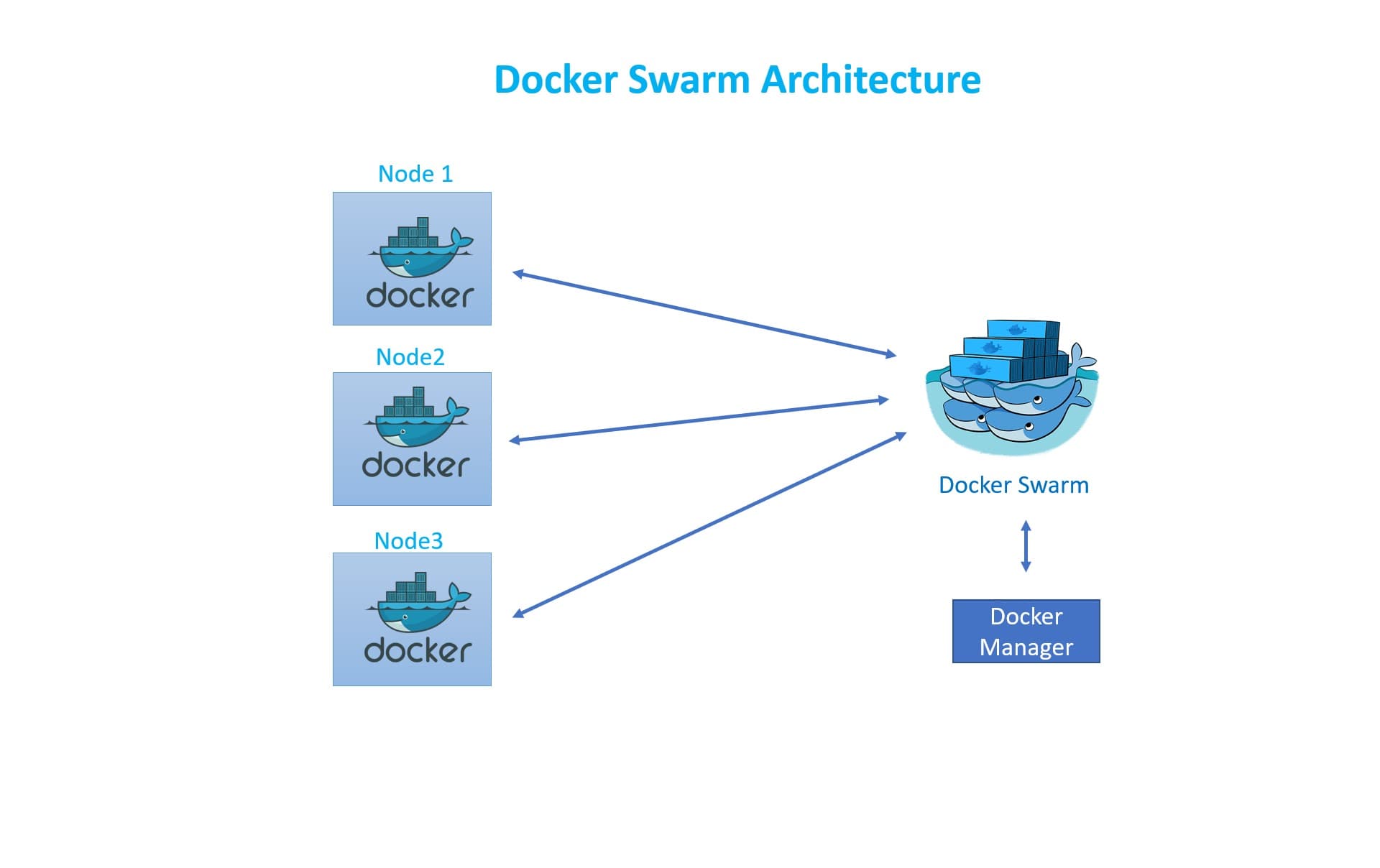
Docker Swarm offers container orchestration without the operational complexity of Kubernetes. For teams running fewer than a dozen services on a small number of nodes, Swarm's built-in clustering, load balancing, rolling updates, and secrets management deliver most of what you need — and you can set it up in under ten minutes using only the Docker CLI you already know. This guide covers Docker Swarm architecture, cluster setup, stack deployment, and the scenarios where Swarm is the right choice.
Docker Swarm vs Kubernetes: Choosing the Right Tool
Kubernetes is the industry standard for large-scale container orchestration, but its learning curve and operational overhead are significant. Docker Swarm is deliberately simpler: fewer abstractions, no separate control plane components to manage, and configuration via the same docker-compose.yml syntax most developers already use. The trade-off is fewer advanced features — no built-in HPA, no native service mesh, more limited ecosystem.
When Docker Swarm Wins
Swarm excels in specific scenarios: small-to-medium deployments (2-20 nodes), teams without a dedicated platform engineer, projects where the operational simplicity of a single binary matters, and environments where Docker Compose is already used for local development and you want near-zero translation effort to production. Hosting companies, startups, and internal tooling teams often find Swarm sufficient for years.
Swarm Architecture: Managers and Workers
A Swarm cluster consists of manager nodes and worker nodes. Managers maintain cluster state in a distributed Raft log and schedule tasks on workers. A production Swarm should have an odd number of managers (3 or 5) for Raft quorum fault tolerance — a 3-manager cluster tolerates one manager failure. Workers execute containers and report status back to managers but cannot modify cluster state.
Use 3 manager nodes for production Swarms — never just 1. A single manager is a single point of failure: if it goes down, you cannot deploy new services or scale existing ones until it recovers. The worker nodes will keep running their existing tasks, but you lose control of the cluster.
Setting Up a Swarm Cluster
Initializing a Swarm takes a single command on the first manager. The output includes two join tokens — one for additional managers, one for workers. Run the worker token command on each worker machine and your cluster is ready. All machines need Docker installed and ports 2377 (cluster management), 7946 (node communication), and 4789 (overlay network) open between them.
Deploying a Stack with docker stack deploy
Docker Swarm uses Compose files (docker-stack.yml) extended with a 'deploy:' key for replica counts, update policies, placement constraints, and resource limits. A stack groups related services and can be updated atomically. The 'start-first' rolling update order brings new containers online before stopping old ones, ensuring zero-downtime deployments.
# Initialize the swarm on the manager node
docker swarm init --advertise-addr <MANAGER-IP>

# Add worker nodes (run the token command output on each worker)
docker swarm join --token <WORKER-TOKEN> <MANAGER-IP>:2377

# Deploy a stack from a Compose file
docker stack deploy -c docker-stack.yml myapp

# docker-stack.yml
version: "3.9"
services:
  web:
    image: myapp:latest
    deploy:
      replicas: 3
      update_config:
        parallelism: 1
        delay: 10s
        order: start-first   # zero-downtime rolling update
      restart_policy:
        condition: on-failure
    ports:
      - "80:3000"
    networks:
      - webnet

  db:
    image: postgres:16-alpine
    deploy:
      replicas: 1
      placement:
        constraints:
          - node.role == manager
    volumes:
      - db-data:/var/lib/postgresql/data
    environment:
      POSTGRES_PASSWORD_FILE: /run/secrets/db_password
    secrets:
      - db_password
    networks:
      - webnet

secrets:
  db_password:
    external: true

volumes:
  db-data:

networks:
  webnet:
    driver: overlay
Managing Secrets Securely
Swarm has built-in secrets management. Secrets are stored encrypted in the Raft log and mounted as files in '/run/secrets/' inside containers — never as environment variables, which can leak through 'docker inspect' or process listings. Create a secret with 'echo mypassword | docker secret create db_password -' and reference it in the Compose file's 'secrets:' section.
Rolling Updates and Rollbacks
Rolling updates in Swarm are controlled by the 'update_config' block in your Compose file. You configure the parallelism (how many containers are replaced at once), the delay between batches, and the failure action (pause or rollback). Setting 'order: start-first' means the new container is healthy before the old one is removed, giving you true zero-downtime.
Monitoring Update Progress
Use 'docker service ps myapp_web' to watch the rolling update in real time. Each task shows its current state (running, failed, shutdown) and the node it is scheduled on. If a new version fails to start (crash loop or failed health check), Swarm applies the 'failure_action' — either pausing the rollout for investigation or automatically rolling back to the previous image.
Unlike Kubernetes HPA, Docker Swarm does not automatically scale services based on CPU or memory. You must manually run 'docker service scale myapp_web=10' or automate it with an external script. For autoscaling requirements, either integrate with a monitoring tool that calls the Docker API, or consider graduating to Kubernetes if autoscaling is a hard requirement.
Networking and Service Discovery
Swarm creates an overlay network that spans all nodes in the cluster. Services attached to the same overlay network can reach each other by service name — DNS-based service discovery is built in. External traffic enters through published ports on any node in the cluster, and the built-in routing mesh forwards requests to any healthy container running the service, regardless of which node it is on.
Ingress Routing Mesh
Swarm's routing mesh means any node with a published port can receive traffic for a service, even if that service is not running on that particular node. The traffic is forwarded internally to a node that does have a running container. This makes load balancer configuration simple — point your external load balancer to all Swarm nodes on the published port.
Adding a Reverse Proxy (Traefik)
Traefik integrates deeply with Docker Swarm through label-based configuration. Deploy Traefik as a global service on manager nodes, and add labels to your other services to define routing rules, TLS certificates, and middleware. Traefik watches the Docker socket for new services and hot-reloads its config with zero downtime, eliminating the need to maintain static Nginx or HAProxy configuration files.
Deploy Traefik with Let's Encrypt DNS challenge for automatic TLS across all your Swarm services. Use Docker secrets to store the DNS provider API key and mount it in the Traefik container — never pass it as an environment variable in a Compose file that might be version-controlled.
Monitoring a Swarm Cluster
Observability in Swarm requires deploying your own monitoring stack. The most common setup is cAdvisor (per-node container metrics) + Node Exporter (host metrics) + Prometheus (scraping and alerting) + Grafana (visualization), all deployed as Swarm services. Portainer CE provides a graphical UI for managing services, stacks, secrets, and configs through a browser.
Cluster Health Checks
Regularly check cluster health with 'docker node ls' (all nodes available and Active?), 'docker service ls' (all services at desired replica count?), and 'docker stack ps <stack>' (any failed or orphaned tasks?). In a monitoring-as-code approach, these checks can be wrapped in a shell script and run as a cron job that pushes results to your alerting system.
Key Docker Swarm concepts: manager node, worker node, stack, overlay network, and Swarm secret.