DevOps
Uptime Kuma: Self-Hosted Uptime Monitoring That Just Works
April 20269 min read
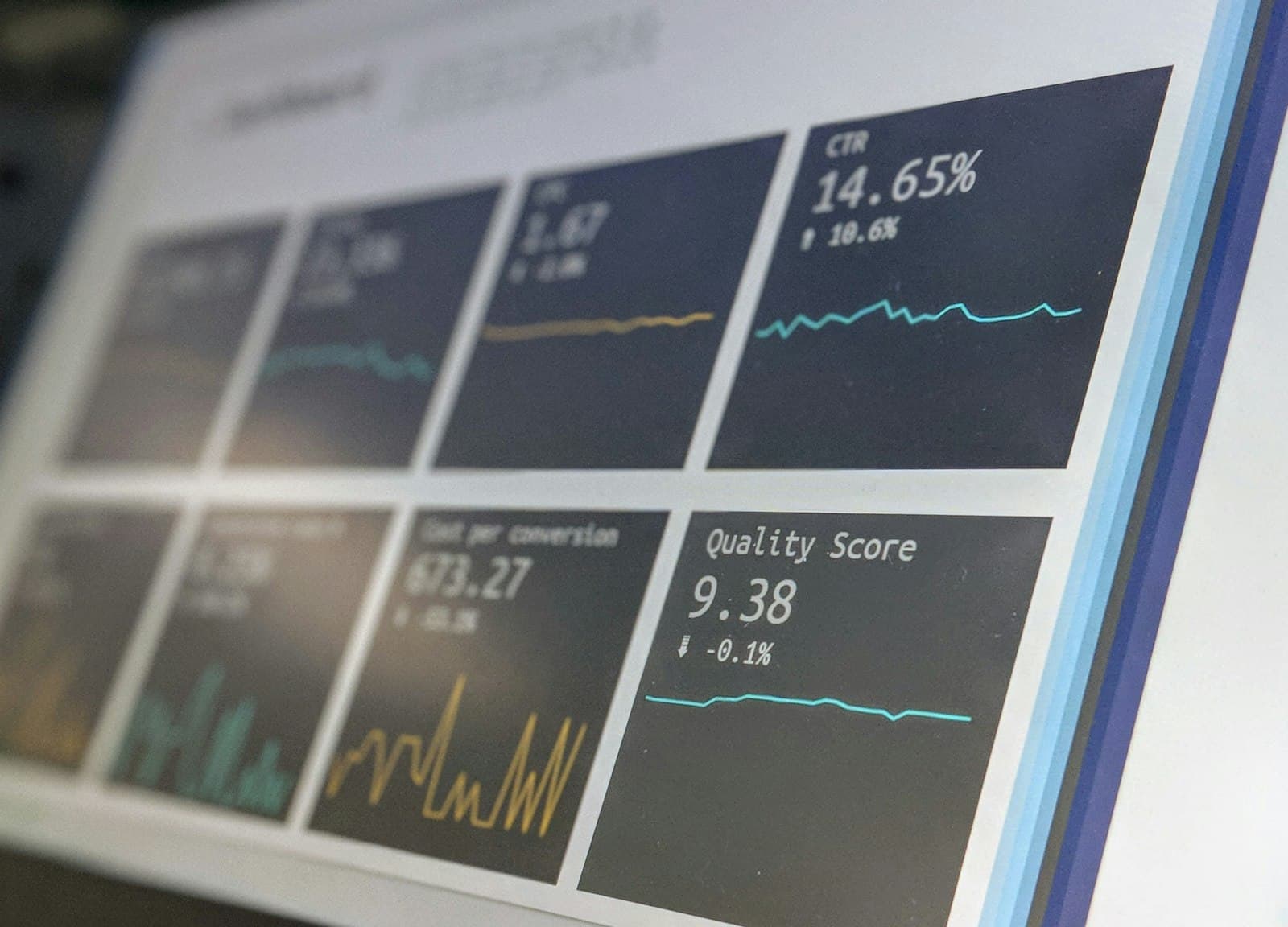
Photo by Stephen Dawson
Prometheus and Grafana observe everything inside a server, but they cannot detect failures that are invisible from within — such as a misconfigured firewall blocking port 443 while all internal metrics stay green. Uptime Kuma performs outside-in checks that simulate what a real user experiences. The two tools answer different questions: Kuma tells you users cannot reach the API, Prometheus tells you why.
Uptime Kuma's UI runs over WebSocket, so a bare proxy_pass results in a loading spinner that never resolves. The Upgrade and Connection headers must be set in the Nginx configuration. Without those two headers the interface is unusable.
A push monitor reverses the normal check direction: instead of Kuma polling an endpoint, the monitored job must call a Kuma URL on a set interval or the monitor flips to down. This makes it an ideal dead-man switch for scheduled tasks such as nightly restic backups or cron ETL jobs, where a silently stopped job is harder to detect than a crashed server.
SQLite requires POSIX file locks, so the data volume must be on local disk — NFS-backed volumes corrupt the database. Uptime Kuma has no clustering, meaning if its host dies the monitoring layer dies with it; running a second lightweight instance that watches the primary mitigates this. The admin UI should never be exposed publicly; only the status page domains need to face the internet.
Kuma ships multiple status pages out of the box, each configurable with its own monitor selection, branding, and an optional custom domain. Setting up a status.client-domain.com page takes around ten minutes and lets clients self-serve during incidents instead of messaging the engineer. Manual incident banners can also be posted directly from Kuma, which the post notes buys significant goodwill during downtime.
Photo by Stephen Dawson
There is a category of monitoring question that Grafana and Prometheus answer badly on purpose: is my site up, from the outside, right now, and did anyone get paged about it? My internal observability stack — Prometheus scraping node exporters, Loki collecting logs, Grafana dashboards — sees everything inside my servers. But when a misconfigured firewall rule blocked port 443 on one VPS last year, every internal metric was green. The users were the monitoring system that day, and that is exactly the failure mode external uptime checks exist to prevent.
Uptime Kuma is my answer for that layer. It is a self-hosted uptime monitor by Louis Lam — 88 thousand GitHub stars and very active development as of mid-2026 — that runs as a single Docker container and replaces the recurring bill of hosted uptime services for small fleets. One container, a SQLite file, a clean reactive UI, and notifications to practically anything. Here is how I run it, where it fits next to a Prometheus stack, and the pitfalls that matter in production.
Hosted services like the various pinger SaaS products are fine until you hit their free-tier walls: check intervals measured in minutes, a handful of monitors, paywalled status pages and SMS alerts. For an agency or a developer running ten to fifty endpoints across a few VPSs, the math favors self-hosting fast:
Positioning matters: Uptime Kuma is the outside-in check, Prometheus is the inside-out truth. Kuma tells me users cannot reach the API; Prometheus tells me why. Run both — they answer different questions, and the one VPS-down incident where Kuma paged me before any internal alert fired paid for the setup time many times over.
The entire installation for the version 2 line is this:
docker run -d --restart=unless-stopped \
  -p 3001:3001 \
  -v uptime-kuma:/app/data \
  --name uptime-kuma \
  louislam/uptime-kuma:2
The only non-obvious part is the reverse proxy. Uptime Kuma's UI runs over WebSocket, so a bare proxy_pass shows a loading spinner forever. The Upgrade and Connection headers are mandatory:
# nginx vhost — Uptime Kuma talks WebSocket,
# so the Upgrade/Connection headers are mandatory
server {
    server_name status-admin.example.com;

    location / {
        proxy_pass http://127.0.0.1:3001;
        proxy_http_version 1.1;
        proxy_set_header Upgrade $http_upgrade;
        proxy_set_header Connection "upgrade";
        proxy_set_header Host $host;
    }
}Kuma supports HTTP(s), TCP, ping, DNS, keyword and JSON-query matching, WebSocket, Docker containers, and push monitors. Four of these cover 95 percent of my real needs:
| Monitor type | What it verifies | Where I use it |
|---|---|---|
| HTTP(s) keyword | Endpoint returns 2xx AND the body contains a string you choose. Catches the white-screen-of-death that a bare status check calls healthy. | Marketing sites and the ERP login page — I match on a footer string that only renders when the app fully boots. |
| TCP port | A port accepts connections. No protocol awareness, just reachability. | PostgreSQL and Redis on their private interfaces, SMTP relay on 587. |
| Push (heartbeat) | Reverses the direction: your job must call a Kuma URL every N seconds or the monitor goes down. Dead-simple dead-man switch. | Nightly restic backups and cron ETL jobs — a backup that silently stops running is worse than a server that loudly crashes. |
| DNS record | A name resolves to the expected record on a resolver you pick. | Catching expired domains and botched DNS migrations before customers do. |
Every monitor gets a retry count before it flips to down — I use three retries at my normal interval, which filters out the single-packet blips that otherwise produce alert fatigue. Notifications attach per monitor or as defaults, and each fires on both down and recovery, so the Telegram thread reads as a tidy incident timeline.
One pattern worth copying: route different monitor groups to different channels. Revenue-critical endpoints page my phone via Telegram; the long-tail of internal tools posts to a quiet channel I scan each morning. Kuma makes this trivial because notification bindings are per monitor, not global.
Pro tip: monitor your monitor. I run a Kuma push check pointed at a heartbeat from the VPS hosting Kuma itself, configured in the opposite direction on a second instance at home on a Raspberry Pi. Two cheap watchers watching each other beats one perfect watcher you forgot can also die.
Kuma ships multiple status pages out of the box, each with its own monitor selection, branding, and optional custom domain. For client work this is quietly one of the highest-value features: a status.client-domain.com page took me ten minutes, looks professional, and changed the support dynamic — clients check the page instead of messaging me when something feels slow.
Status pages also support incident banners you post manually. A two-line acknowledged-and-working-on-it banner buys remarkable goodwill during downtime, and writing it from Kuma beats drafting apologetic emails from scratch.
Do not expose the admin UI to the public internet just because the status pages need to be public. Put the admin hostname behind your VPN or an allowlist, and let only the status page domains face the world. The split takes five minutes in any reverse proxy.
Uptime Kuma occupies a sweet spot the monitoring market mostly skips: serious enough for production fleets, simple enough that the whole mental model is one container and one SQLite file. It will not replace Prometheus for internals and it should not — but as the outside-in layer that pages you when users are locked out, it does the job of a paid service on hardware you already rent. For small teams running their own infrastructure, it is about the highest-leverage thirty minutes of setup I can recommend.
Sources and further reading