
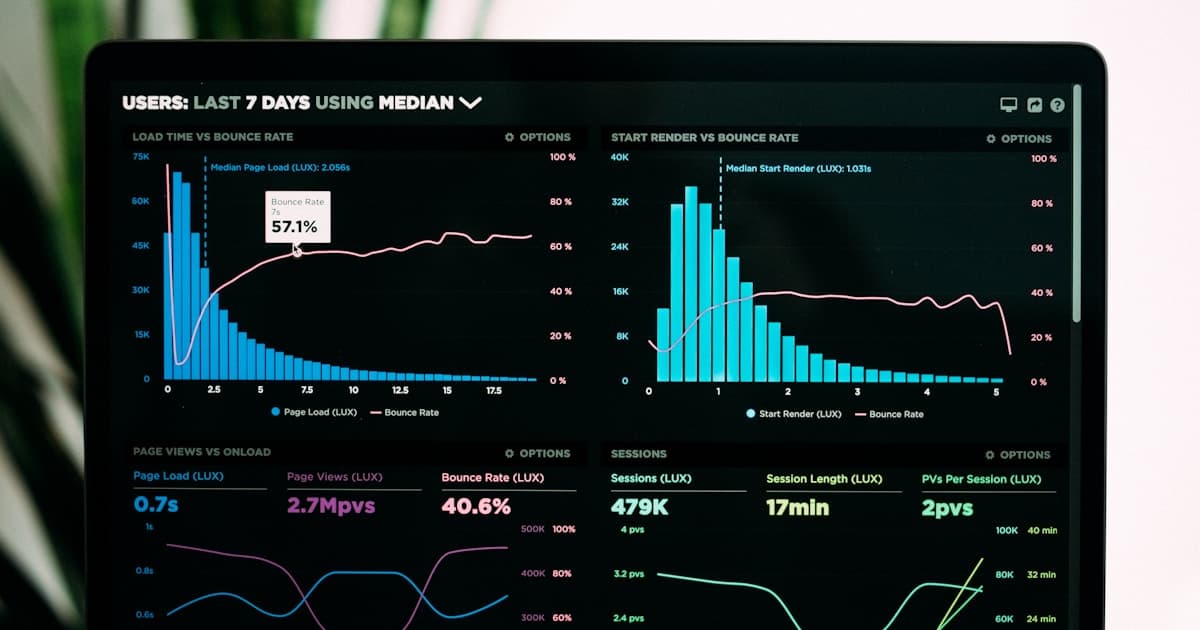
Running a VPS without monitoring is like driving blindfolded. You do not know when CPU spikes, memory leaks, or disk fills up until your application is down and a client is calling. A common fix for discovering problems reactively instead of proactively is to standardize on a Grafana + Prometheus stack for every VPS you manage — DigitalOcean Droplets and Google Cloud Compute Engine instances alike. This guide walks through the complete setup using Docker Compose, explains the key PromQL queries you actually need, and shows how to wire up Telegram alerts so you know about problems before your users do.
Understanding Prometheus and Grafana
Prometheus is a time-series database purpose-built for metrics. It scrapes HTTP endpoints (called exporters) at configurable intervals and stores the data in its own compressed TSDB format on disk. The query language, PromQL, is powerful enough to express complex aggregations, rate calculations, and multi-metric joins. Grafana is a visualization layer that connects to Prometheus (and dozens of other data sources) to render dashboards, graphs, and heatmaps. Crucially, Grafana also manages alerts — you write alert rules in PromQL, and Grafana routes them through Alertmanager (or its own alerting engine) to Telegram, Slack, PagerDuty, or email.
What Prometheus Scrapes
Prometheus does not receive data — it pulls it. Each target exposes a /metrics HTTP endpoint returning plain-text key-value metrics in the OpenMetrics format. Node Exporter exposes 1000+ host-level metrics: CPU usage by mode, memory breakdown, disk I/O per device, network bytes in/out per interface, and filesystem usage per mount point. Your application can expose custom metrics using Prometheus client libraries (available for Node.js, Python, Go, Java, and more). For containers, cAdvisor exposes per-container CPU, memory, and network metrics that Prometheus can scrape directly.
Essential PromQL Queries
Learning PromQL is the highest-leverage skill in the Prometheus ecosystem. The queries you will use most often: CPU usage as a percentage — `100 - (avg by(instance) (irate(node_cpu_seconds_total{mode='idle'}[5m])) * 100)`. Available memory — `node_memory_MemAvailable_bytes / node_memory_MemTotal_bytes * 100`. Disk usage — `100 - ((node_filesystem_avail_bytes{mountpoint='/'} / node_filesystem_size_bytes{mountpoint='/'}) * 100)`. HTTP request rate — `rate(http_requests_total[5m])`. These four queries cover 80% of what you need for day-to-day operational visibility.
┌──────────────────────────────────────────────────────────────┐
│                  Monitoring Stack Architecture               │
│                                                              │
│  ┌─────────────┐    scrape     ┌──────────────────────────┐  │
│  │ Node        │◄──────────────│                          │  │
│  │ Exporter    │  :9100        │    Prometheus             │  │
│  │ (VPS host)  │               │    (metrics store)        │  │
│  └─────────────┘               │    :9090                 │  │
│                                │                          │  │
│  ┌─────────────┐    scrape     │    Retention: 15 days    │  │
│  │ App         │◄──────────────│    TSDB on disk          │  │
│  │ /metrics    │  :3000        └──────────┬───────────────┘  │
│  │ (custom)    │                          │                  │
│  └─────────────┘                          │ query            │
│                                           ▼                  │
│  ┌─────────────┐   alert       ┌──────────────────────────┐  │
│  │ Alertmanager│◄──────────────│    Grafana               │  │
│  │ :9093       │               │    (dashboards)          │  │
│  │ → Telegram  │               │    :3000                 │  │
│  └─────────────┘               └──────────────────────────┘  │
└──────────────────────────────────────────────────────────────┘
Import Grafana dashboard ID 1860 (Node Exporter Full) from grafana.com/grafana/dashboards after connecting Prometheus as a data source. This community dashboard has 30+ pre-built panels covering all Node Exporter metrics and saves 2-3 hours of dashboard building. You can then delete panels you do not need and customize the remaining ones.
Deployment with Docker Compose
The fastest way to get the full stack running is with Docker Compose. The setup below runs Prometheus, Node Exporter, and Grafana as containers on the same host, with named volumes for data persistence. In production, run the monitoring stack on a separate lightweight Droplet or VM (a $6/month DigitalOcean Basic Droplet with 1 vCPU and 1GB RAM is sufficient for monitoring 5-10 hosts). Prometheus then scrapes remote targets over the network rather than localhost.
Prometheus Configuration File
The prometheus.yml file controls which targets are scraped and at what interval. For remote hosts, use the static_configs target list with the server IP and exporter port. Ensure Node Exporter is running on remote hosts and its port (9100) is accessible from the monitoring server. Use DigitalOcean's private networking or GCP's VPC internal IPs to keep scrape traffic off the public internet. Set a scrape_interval of 15s for balanced granularity and storage efficiency.
# docker-compose.yml — Full monitoring stack
version: "3.9"
services:
  prometheus:
    image: prom/prometheus:v2.51.0
    container_name: prometheus
    volumes:
      - ./prometheus.yml:/etc/prometheus/prometheus.yml
      - prometheus_data:/prometheus
    command:
      - '--config.file=/etc/prometheus/prometheus.yml'
      - '--storage.tsdb.retention.time=15d'
    ports:
      - "9090:9090"
    restart: unless-stopped

  node-exporter:
    image: prom/node-exporter:v1.7.0
    container_name: node-exporter
    pid: host
    volumes:
      - /proc:/host/proc:ro
      - /sys:/host/sys:ro
      - /:/rootfs:ro
    command:
      - '--path.procfs=/host/proc'
      - '--path.sysfs=/host/sys'
      - '--collector.filesystem.ignored-mount-points=^/(sys|proc|dev|host|etc)($$|/)'
    ports:
      - "9100:9100"
    restart: unless-stopped

  grafana:
    image: grafana/grafana:10.4.2
    container_name: grafana
    environment:
      - GF_SECURITY_ADMIN_PASSWORD=${GRAFANA_PASSWORD}
      - GF_USERS_ALLOW_SIGN_UP=false
    volumes:
      - grafana_data:/var/lib/grafana
    ports:
      - "3000:3000"
    restart: unless-stopped
    depends_on:
      - prometheus

volumes:
  prometheus_data:
  grafana_data:

# prometheus.yml
# global:
#   scrape_interval: 15s
# scrape_configs:
#   - job_name: 'node'
#     static_configs:
#       - targets: ['node-exporter:9100']
Alerting with Telegram
Grafana's built-in alerting engine (since Grafana 9) can route alerts directly to Telegram without needing a separate Alertmanager instance. Create a Telegram bot via @BotFather, get your chat ID, then add a Contact Point in Grafana under Alerting → Contact Points. Write alert rules using PromQL: `node_filesystem_avail_bytes{mountpoint='/'} / node_filesystem_size_bytes{mountpoint='/'} < 0.15` triggers when less than 15% disk space is available. Combine multiple conditions using `and` and `or` operators. Set evaluation intervals to 1m for critical alerts and 5m for informational ones.
Do not expose Prometheus, Grafana, or Node Exporter ports directly to the public internet without authentication. Prometheus has no built-in auth — put it behind NGINX with HTTP Basic Auth or restrict access via firewall rules to your monitoring server's IP only. Grafana should use HTTPS (certbot + NGINX reverse proxy) with a strong admin password. Node Exporter on remote hosts should only be accessible via private/internal network, never on a public IP.
Long-Term Storage and Retention
By default, Prometheus stores 15 days of data locally. For a monitoring server with 5-10 hosts and 15s scrape interval, expect 5-15GB of storage per month. For long-term retention beyond 90 days, integrate Prometheus with Thanos or Grafana Mimir — both add horizontal scalability and object storage backends (DigitalOcean Spaces or GCP Cloud Storage). For most side projects and small client deployments, 15-30 days of local retention is sufficient and the simplest option.
Monitoring Multiple Hosts
Once you have the stack running, adding new hosts is straightforward: install and start Node Exporter on the new server, open the necessary firewall port (9100) to your monitoring server's private IP, and add the new target to prometheus.yml followed by `docker restart prometheus` (or use file-based service discovery with `file_sd_configs` to avoid restarts). A single Prometheus instance can comfortably handle 100+ hosts with 15-second scrape intervals on a 2 vCPU / 4GB RAM server. Beyond that, consider federation or Thanos for horizontal scaling.