
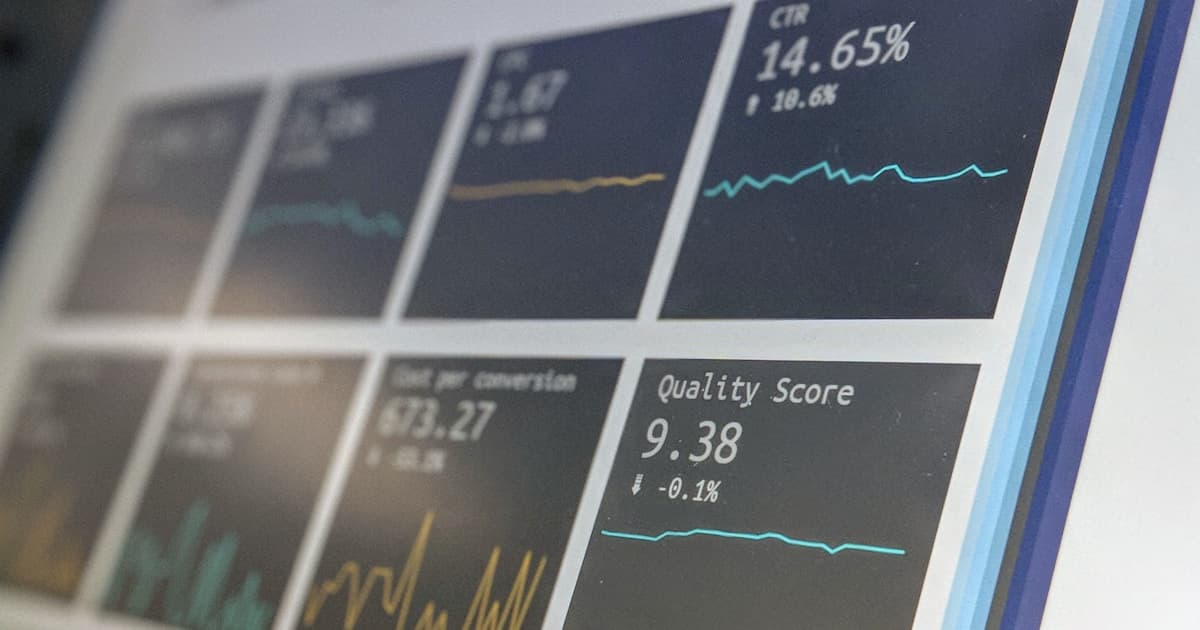
Commercial observability platforms like Datadog, New Relic, and Dynatrace are excellent — and expensive. Datadog starts at $15 per host per month for infrastructure monitoring alone, which adds up fast when you are managing 10+ servers for client projects. A self-hosted stack built on Grafana, Prometheus, and Loki can replace that SaaS spend. The entire stack can run on a single DigitalOcean Droplet (for example 4 vCPU, 8GB RAM), monitor many servers, store 30 days of metrics and logs, and send alerts to Telegram. This guide shows you exactly how to build it.
The Three Pillars of Observability
Modern observability frameworks distinguish three signal types — metrics, logs, and traces — often called the three pillars of observability. Metrics are numerical measurements sampled over time: CPU percentage, request count per second, memory used. They are compact, efficient to store, and ideal for alerting and dashboards. Logs are timestamped text events — application output, nginx access logs, system journal. They are verbose but essential for debugging specific incidents. Traces (request spans across services) are the third pillar, important for microservices but overkill for most small deployments. This guide covers metrics with Prometheus and logs with Loki — the combination that covers 90% of observability needs for a side project or small client deployment.
Why Loki for Logs Instead of ELK Stack
The ELK stack (Elasticsearch, Logstash, Kibana) is the traditional choice for centralized logging. But Elasticsearch is resource-hungry — it requires at minimum 4GB RAM for a small cluster and indexing all fields by default creates significant write amplification. Loki takes a different approach: it stores logs as compressed chunks indexed only by labels (not the full log content), which reduces storage by 10x compared to Elasticsearch. Log queries use LogQL (similar to PromQL) and search is done by label first, then regex over the raw chunk. For most operational use cases — finding errors, correlating events with metric spikes — Loki is faster and dramatically cheaper to run.
Choosing the Right Droplet Size
For a monitoring stack covering 5-15 servers, a 4 vCPU / 8GB RAM Droplet ($24/month in the Singapore region) handles the load comfortably. Prometheus uses approximately 1-3GB RAM depending on the number of time series and retention period. Loki with 30-day retention and 100MB/day of log ingestion uses around 2-4GB of disk per day (after compression). The 160GB SSD on the $24 Droplet holds about 40-80 days of logs and 90 days of Prometheus metrics before you need to prune or add a volume. For larger deployments, add a DigitalOcean Block Storage volume and mount it at /var/lib/docker/volumes for persistent storage.
┌──────────────────────────────────────────────────────────────────┐
│           Full Observability Stack on DigitalOcean $24/mo        │
│                                                                  │
│  ┌─────────────────────────────────────────────────────────┐     │
│  │                 Grafana (Port 3000)                     │     │
│  │         Unified dashboards + alerting UI                │     │
│  └──────────┬──────────────────┬──────────────────────────┘     │
│             │                  │                                 │
│             ▼                  ▼                                 │
│  ┌─────────────────┐  ┌─────────────────────────────────────┐   │
│  │  Prometheus      │  │   Loki (log aggregation)            │   │
│  │  (metrics TSDB)  │  │   + Promtail (log shipper)          │   │
│  │  Port: 9090      │  │   Port: 3100                        │   │
│  └────────┬─────────┘  └───────────────────────────────────┘    │
│           │                                                      │
│           ▼                                                      │
│  ┌────────────────────────────────────────────────┐             │
│  │  Exporters (all on same Droplet or remote)     │             │
│  │  Node Exporter :9100  │  cAdvisor :8080        │             │
│  │  App /metrics  :3000  │  Blackbox :9115        │             │
│  └────────────────────────────────────────────────┘             │
└──────────────────────────────────────────────────────────────────┘
Deploy the monitoring stack on a Droplet in the same DigitalOcean region as your application servers and use private networking (VPC) for all scrape and log-forwarding traffic. Private networking is free and means Prometheus and Loki traffic never leaves DigitalOcean's data center, eliminating both latency and bandwidth costs. Enable private networking on your Droplets when you create them — you cannot add it later without recreating the Droplet.
Adding Log Aggregation with Loki
Loki works in tandem with Promtail, a lightweight log forwarding agent that runs on each monitored server. Promtail tails log files (or reads from the Docker journal via the Docker SD config) and pushes them to Loki over HTTP. In Grafana, you query logs using LogQL — for example, `{container='myapp'} |= 'ERROR'` finds all error-level log lines from the myapp container across all hosts. The correlation between Grafana's metric panels and log panels lets you click on a CPU spike on a dashboard and immediately see what log events occurred at the same time — extremely powerful for debugging production issues.
Promtail and Docker Log Forwarding
On each monitored server, run Promtail as a Docker container with access to the host's /var/log and Docker socket. The service discovery config automatically discovers all running Docker containers and labels log streams with the container name — so you do not need to manually configure each application's log path. For systemd services (nginx, postgresql, etc.), Promtail can read from the systemd journal directly using the `loki_push_api` configuration. This gives you a unified log view across both containerized and non-containerized services.
# Add Loki and Promtail to your docker-compose.yml

  loki:
    image: grafana/loki:2.9.6
    container_name: loki
    ports:
      - "3100:3100"
    volumes:
      - ./loki-config.yml:/etc/loki/local-config.yaml
      - loki_data:/loki
    command: -config.file=/etc/loki/local-config.yaml
    restart: unless-stopped

  promtail:
    image: grafana/promtail:2.9.6
    container_name: promtail
    volumes:
      - /var/log:/var/log:ro
      - /var/lib/docker/containers:/var/lib/docker/containers:ro
      - ./promtail-config.yml:/etc/promtail/config.yml
    command: -config.file=/etc/promtail/config.yml
    restart: unless-stopped

# promtail-config.yml
# server:
#   http_listen_port: 9080
# clients:
#   - url: http://loki:3100/loki/api/v1/push
# scrape_configs:
#   - job_name: system
#     static_configs:
#       - targets: [localhost]
#         labels:
#           job: varlogs
#           __path__: /var/log/*.log
#   - job_name: docker
#     docker_sd_configs:
#       - host: unix:///var/run/docker.sock
#     relabel_configs:
#       - source_labels: [__meta_docker_container_name]
#         target_label: container

# Add Loki datasource to Grafana via API
curl -X POST http://admin:password@localhost:3000/api/datasources   -H 'Content-Type: application/json'   -d '{"name":"Loki","type":"loki","url":"http://loki:3100","access":"proxy"}'
Dashboard Organization and Alerting Strategy
Organize your Grafana dashboards into folders: one folder per client or environment, with a standard dashboard template for all servers (import Node Exporter Full — dashboard ID 1860) and custom dashboards per application. For alerting, use Grafana's built-in alerting (available since Grafana 9) rather than a separate Alertmanager instance. Create alert rules using PromQL and LogQL with different severity labels — Critical for immediate action, Warning for next-business-day attention. Route Critical alerts to a Telegram group that wakes someone up; route Warning alerts to a non-urgent channel or email.
Loki's default configuration stores data in /loki inside the container, which is lost when the container is removed. Always mount a host volume or named Docker volume at /loki to persist log data. Also, Loki uses a lot of file handles for its chunk storage — on Linux, the default ulimit of 1024 open files is insufficient. Set `LimitNOFILE=65536` in your systemd service or use `ulimit -n 65536` before starting the Loki container. Without this, Loki silently drops chunks when it hits the file handle limit, causing log gaps.
Backup and Disaster Recovery
The monitoring stack itself needs backup and recovery planning. Prometheus's TSDB and Loki's chunk storage are on the Droplet's local disk — if the Droplet is deleted, you lose your historical data. Set up a daily backup using DigitalOcean's automated Droplet backups ($4.80/month for a 20% additional charge on the $24 Droplet) or use restic with DigitalOcean Spaces as the backup backend. Back up the Docker Compose files and configuration (prometheus.yml, promtail-config.yml, loki-config.yml) to a Git repository. After a disaster recovery, you can rebuild the monitoring stack in under 30 minutes with the backed-up configuration.
Scaling Beyond a Single Droplet
The single-Droplet setup scales well to 50+ monitored hosts. When you need to go beyond that — or want long-term metric retention beyond 90 days — integrate Grafana Mimir (horizontal scalable Prometheus) or Thanos with DigitalOcean Spaces (or GCP Cloud Storage) as the long-term storage backend. For log storage at scale, Loki supports a distributed mode with separate querier and ingester components. But for most small and medium deployments, the single-Droplet setup is the right answer: simple, cheap, and operationally transparent.