

ERP
Connect an ERP POS to a Bluetooth Printer With Flutter
August 202612 min read

Give the local print job table a unique constraint on the pair of sale identifier and copy index. The original is copy zero and every reprint is an explicit, numbered copy, so a cashier pressing print four times produces one original and three clearly marked reprints rather than four indistinguishable receipts.
By the device. A locally generated identifier gives you a stable key shared by the print job, the sync outbox and the eventual ERP document, so a retry at any layer refers to the same real-world event. The ERP adopts that identifier rather than replacing it.
No. The socket confirms that bytes were transferred, not that paper moved — the printer may be asleep, out of paper or jammed. If your process depends on the customer holding paper, the confirmation must come from a human, such as a cashier tapping to confirm before the next sale can start.
The ERP owns meaning: prices, tax rules, product master data and the definitive ledger. The device owns events and physical facts: that a sale happened at a moment, which receipt was printed, how many copies, and whether the drawer opened. Reconciliation runs in the background, never as a checkout step.
Ship a printer settings screen that can discover, test and forget a printer so no developer is needed on site, pilot in one shop for a full week including a weekend, and watch two counters daily — unsynced sales and unprinted jobs — treating any nonzero closing value as a bug. Then add a one-page shop-facing runbook.
Key Takeaway
Between an ERP and a Bluetooth receipt printer sit two unreliable links: an intermittent sync API and a Bluetooth connection that never confirms printing. A local print-job table with a unique sale and copy index, plus a printer interface the app can fake, turns both failures into visible, recoverable states.
An ERP knows what a sale is worth. A Bluetooth printer knows how to burn dots onto paper. Everything painful in a mobile point of sale lives in the gap between them, and that gap is wider than it looks: the network can be gone for hours, and the printer will never tell you that the customer actually got their receipt.
This is the architecture I use to close that gap, built around one principle — the device must be able to complete a sale and print it with no server, then reconcile later without ever duplicating a receipt.
Drawing the system honestly is the first step, because it shows that the two failure domains are independent and must be handled separately.
ERP (source of truth)
   |  sale document, tax rules, prices, stock
   v
Sync API  ---- intermittent, may be offline for hours
   |
   v
Flutter app (device)
   |  local sale record  ->  outbox  ->  printer job
   v
Bluetooth SPP  ---- 58 mm printer, no acknowledgement of "printed"

// Two independent unreliable links, in series. Every design decision
// below exists because a failure on either side must not lose a sale
// and must not print a receipt twice.
The ERP link fails slowly and visibly: a request times out, a sync job backs up, someone notices. The printer link fails instantly and silently: the bytes were written, the socket accepted them, and whether paper moved is unknown. Designing one retry policy for both is how apps end up printing four copies of one receipt.
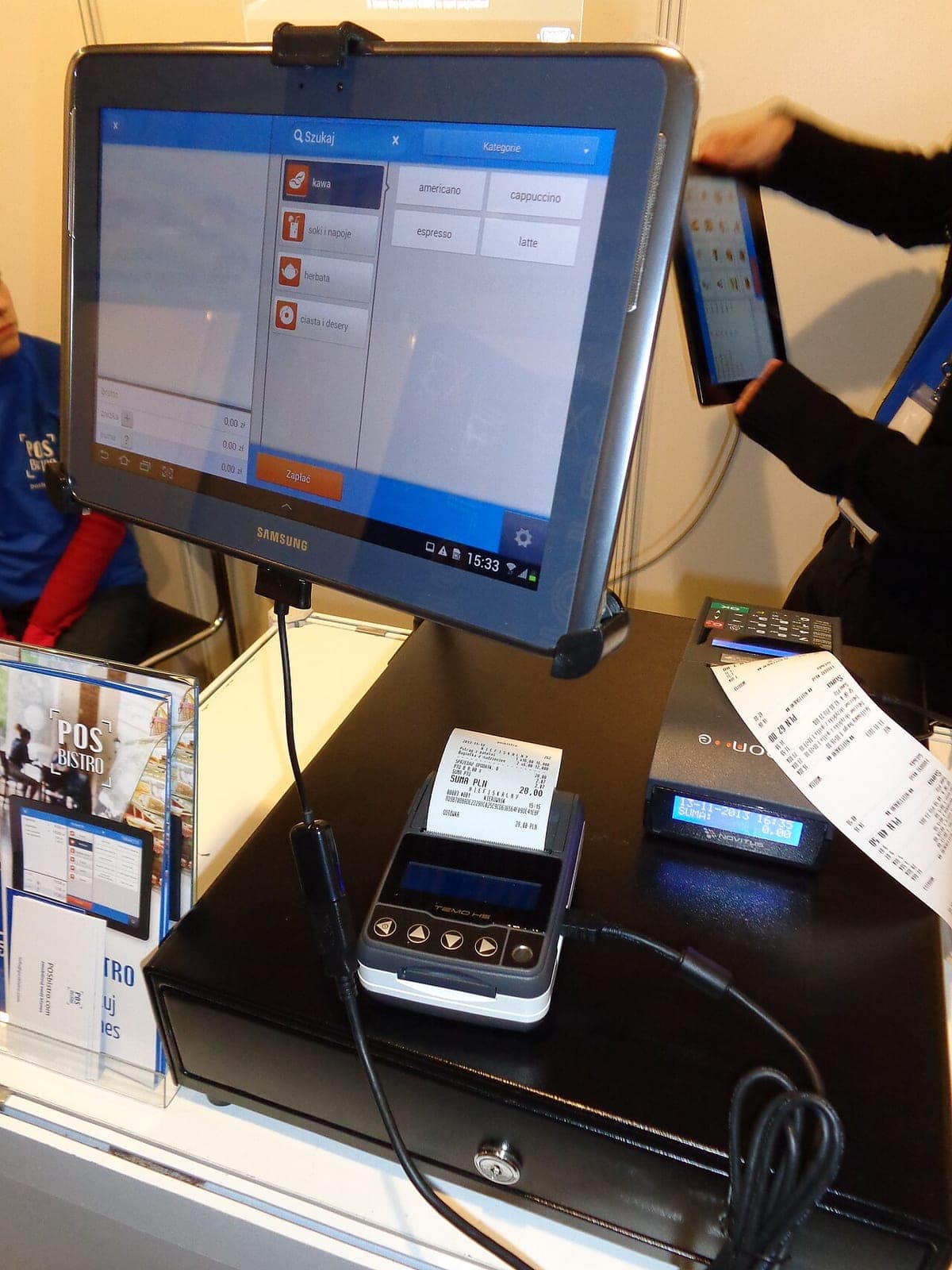
The split is not obvious, and getting it wrong produces either an app that cannot sell offline or an ERP that cannot be trusted. My rule is that the ERP owns meaning and the device owns events.
Generating the sale identifier on the device is the detail that makes the rest work. It gives you a stable key for the print job, the outbox row and the eventual ERP document, so a retry at any layer refers to the same real-world event.
Print jobs live in local storage next to the sale, not in memory. Persisting them is what lets the app survive being killed mid-print, and the unique constraint is what keeps a nervous cashier from producing four identical receipts.
-- Local SQLite on the device. The ERP never sees this table; it is
-- the device's own memory of what physically happened.
CREATE TABLE print_job (
  id            TEXT PRIMARY KEY,        -- uuid v4, generated on device
  sale_id       TEXT NOT NULL,           -- the local sale it belongs to
  copy_index    INTEGER NOT NULL,        -- 0 = original, 1..n = reprints
  payload       BLOB NOT NULL,           -- the exact ESC/POS bytes
  state         TEXT NOT NULL,           -- queued | printing | done | failed
  attempts      INTEGER NOT NULL DEFAULT 0,
  last_error    TEXT,
  created_at    TEXT NOT NULL,
  UNIQUE (sale_id, copy_index)
);

-- The unique pair is the idempotency key. A tap-happy cashier pressing
-- "print" four times produces one original and three explicit reprints,
-- not four indistinguishable receipts.
Modelling reprints as an explicit copy index rather than as repeated attempts has an operational benefit too: a reprint can be marked visibly on the paper, which is what an auditor and a shop owner both want when a customer arrives with two receipts for the same sale.
Store the rendered bytes in the job row, not just the sale reference. Prices change, products get renamed, and a reprint two days later should reproduce the receipt as it was, not as the catalogue is now.
The single design decision that has paid off most is refusing to let Bluetooth types leak upward. Everything above the transport talks to a small interface, and that interface has three implementations.
/// The printer is a port, not a feature. Everything above it — the
/// receipt builder, the queue, the ERP sync — depends on this
/// interface, so the app can be tested and demoed with no hardware.
abstract interface class ReceiptPrinter {
  Future<bool> isAvailable();
  Future<void> send(List<int> bytes);
}

class BluetoothReceiptPrinter implements ReceiptPrinter { /* real device */ }
class FilePrinter implements ReceiptPrinter { /* writes .bin for tests */ }
class NoopPrinter implements ReceiptPrinter { /* demo mode, no device */ }

// Swapping FilePrinter in during integration tests is what let us run
// the entire checkout flow in CI, on a machine with no Bluetooth at all.
The payoff shows up in three places. Integration tests run the whole checkout flow in CI against a file-writing printer. Sales demos run in a hotel room with no hardware. And when a client asked for a network counter printer alongside the portable one, the change was a new implementation of the same interface, not a change to the sale flow.
Once the device can sell and print offline, you need a story for the day after. Three habits keep it manageable.
That last one changed how installations went for me. When staff can see two numbers that should both be zero at closing time, they raise problems on the day rather than at month end.
Never treat a successful write to the Bluetooth socket as proof that a receipt printed. The socket confirms transfer, not paper. If your business process depends on the customer having paper, the confirmation has to come from a human — a cashier tapping to confirm, or the next sale being blocked until they do.
The technical design is half the work. This sequence has made the installs uneventful.
The runbook is the highest-leverage artefact in that list. Most support calls are pairing, battery or paper, and a shop that can resolve those alone will call you only about the interesting failures.
Connecting an ERP to a Bluetooth printer is an exercise in accepting that neither link is reliable and designing so that neither can lose money or duplicate paper. A local job table with a real idempotency key, a printer interface you can fake, and two counters the shop can see will cover almost everything a field deployment throws at you.